
Blog · Guide · · 4 min read ·
Launch a Weft site in your own Azure subscription
Add a site, choose Azure, paste three values into the Azure portal. We tried it in a brand-new subscription and wrote down everything that got in the way.
If your offices already use Azure, or you want a site in the cloud beside them, Weft can now build one in your own Azure subscription. You add a site in the console, choose Azure, and paste three values into a form in the Azure portal. A few minutes later the new site joins your network on its own.
We tested it the way a new customer would meet it: a brand-new Azure account, the portal form clicked through by hand. Most of what is useful below is what Azure refused along the way, and why.
What it builds
- A small network of its own, and one Ubuntu 24.04 machine with a fixed public address.
- Only the encrypted tunnels are let in (UDP 51820 and 51821). There is no SSH: Weft manages the machine, and nobody needs to log in to it.
- On first boot the machine installs Weft, uses the one-time code to join your organisation, and deletes the code.
Everything lands in a resource group you name, so removing the site from Azure later is deleting that one group.
1. Add the site
In the console, open Add a site, give it a name, and under This machine choose should be made in my Azure subscription. The console shows the three values the Azure form needs, each with a Copy button.
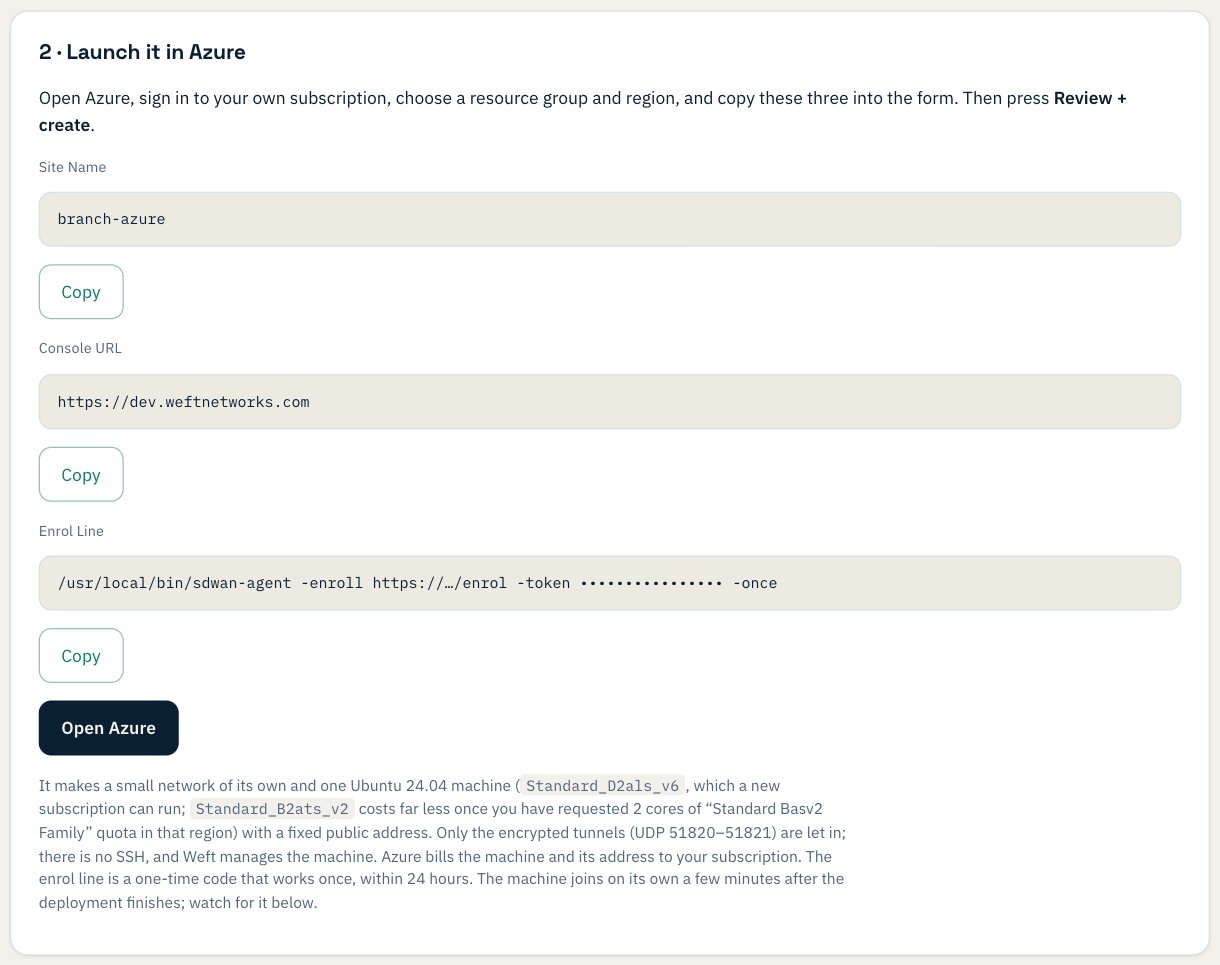
2. Fill in the Azure form
Click Open Azure and sign in. Choose the subscription, create a resource group, pick the region nearest the site, and paste the three values. The enrol line is a hidden field, as a password would be.
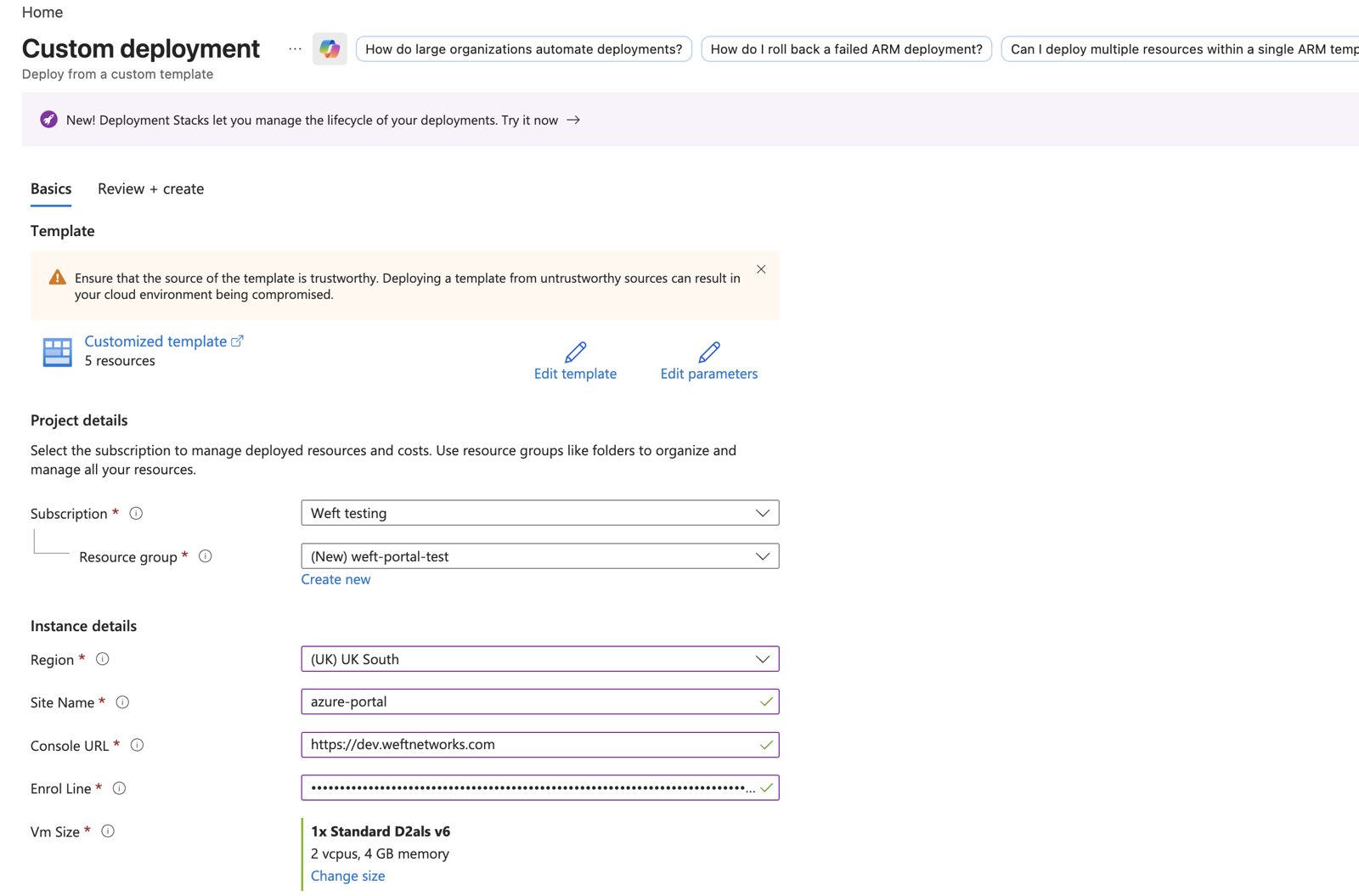
3. Create, and wait a couple of minutes
Press Review + create, then Create. Azure builds the network first, then the machine.
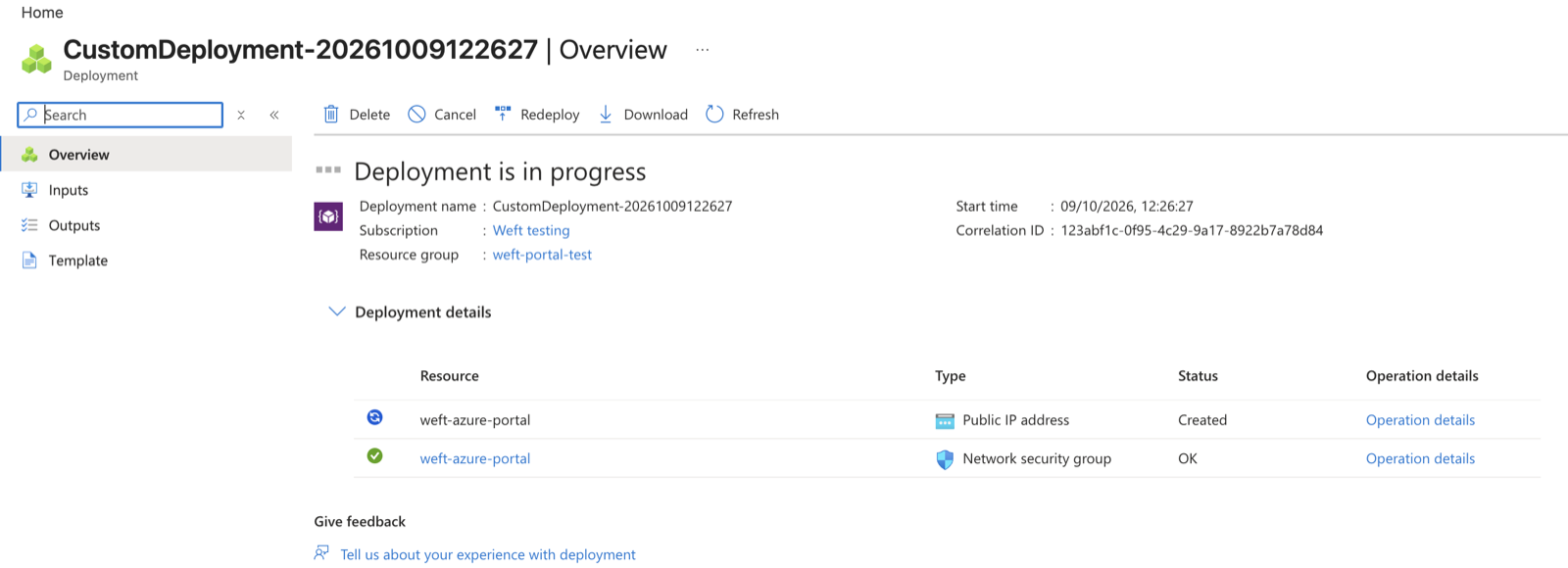
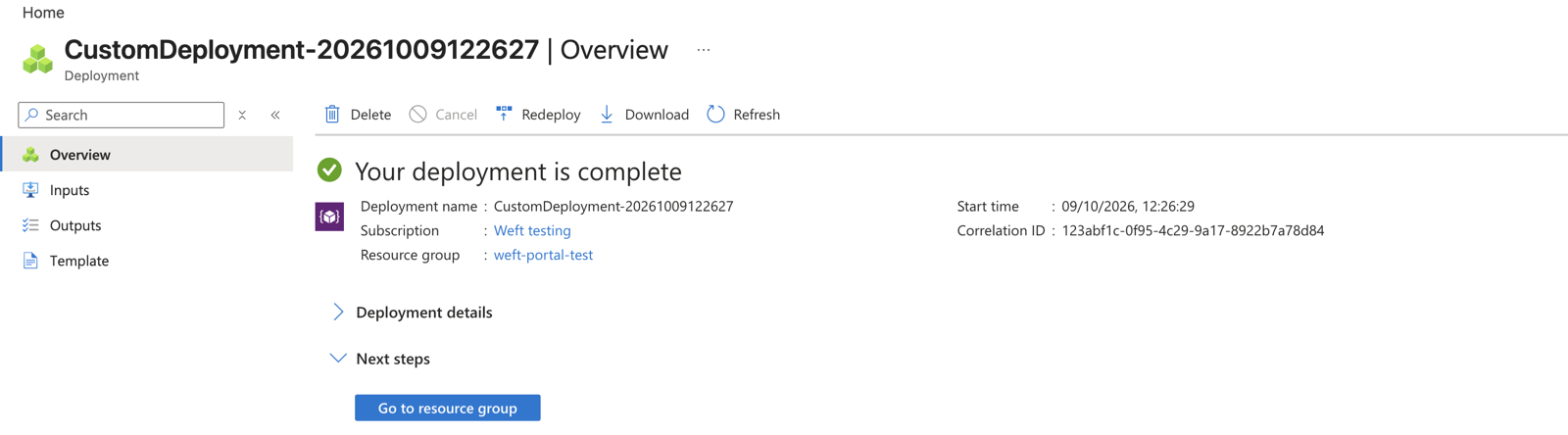
4. Watch it join
Back in the console, the new site appears on the Sites page a minute or two after Azure finishes, and its tunnels to your other sites come up on their own. In our test, another site reached it in 2.4 ms, and a scan from outside found the SSH port closed, as it should be.
What a brand-new Azure subscription refuses
None of these are Weft's doing, but each one stops a first deployment, so here they are.
- A free trial subscription could not create any machine at all. Every size we tried was refused in UK South, UK West, North Europe and West Europe. Upgrading the subscription to pay-as-you-go fixed it.
- A new pay-as-you-go subscription has no quota for the cheapest sizes. The B-series v2 (
Standard_B2ats_v2and its siblings) andStandard_D2as_v5start with a limit of zero cores, so Azure answers "QuotaExceeded". That is why the form defaults toStandard_D2als_v6, which a new subscription can run straight away. If you want the much cheaperStandard_B2ats_v2, request 2 cores of "Standard Basv2 Family" quota for your region in the portal first, then choose it under Change size. - Azure's Ubuntu kernel leaves out a module Weft needs. Weft keeps each site's office network in a VRF, and Azure's kernel ships that module in a separate package that is not installed by default. The installer now checks for it and installs the package when it is missing; the machine's start-up log in our test shows it doing exactly that.
What it costs
Azure bills the machine and its public address to your subscription, not to Weft. At pay-as-you-go prices in UK South when we checked, Standard_D2als_v6 is about £51 a month and Standard_B2ats_v2 about £6 a month, plus a small charge for the fixed public address. Check the Azure pricing page for your region.
If something does not work
| What you see | What it means |
|---|---|
| "QuotaExceeded" | Your subscription has no quota for that machine size. Use the default size, or request quota for the size you chose. |
| "SkuNotAvailable" | That size is not available to your subscription in that region right now. Try another size or a nearby region. On a free trial, upgrade to pay-as-you-go. |
| Azure finishes but the site never appears | Open the machine's Boot diagnostics in the portal: the serial log shows each step of the install as weft-enrol: lines, ending with the exit code. A one-time code is valid once, for 24 hours. |
What you have now
A Weft site in your own Azure subscription, built from a form, joined without anyone logging in to it, and open to nothing but its tunnels.