
Blog · Guide · · 3 min read ·
Make your sensitive applications ask for a fresh sign-in
Being in the right group is enough for most systems. For payroll or board reporting it shouldn't be. Weft can now make a device unlock an application with a fresh sign-in, your organisation's sign-in and Weft's code, before it can reach it, for as long as you choose.
Most of the systems a finance team uses are fine to reach all day: the invoices, the purchase ledger, the supplier portal. If you are in Finance, you can open them. A few are different. Payroll, salaries, board reporting: you would like the person to prove it is still them before the screen opens, not just that their laptop was signed in this morning.
Weft can now do that, per application.
Two systems, one group
To show it, we set up two systems on one server, both for the Finance group:
- Finance, on port 80: invoices, purchase orders and supplier payments. Being in Finance is enough.
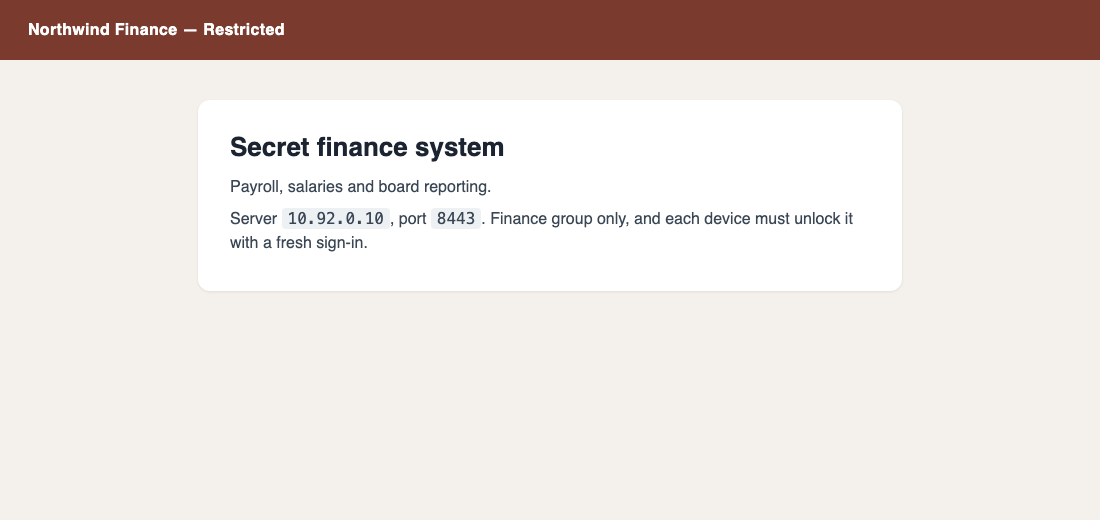
- Finance Secret, on port 8443: payroll, salaries and board reporting. Finance only, and each device must unlock it with a fresh sign-in.
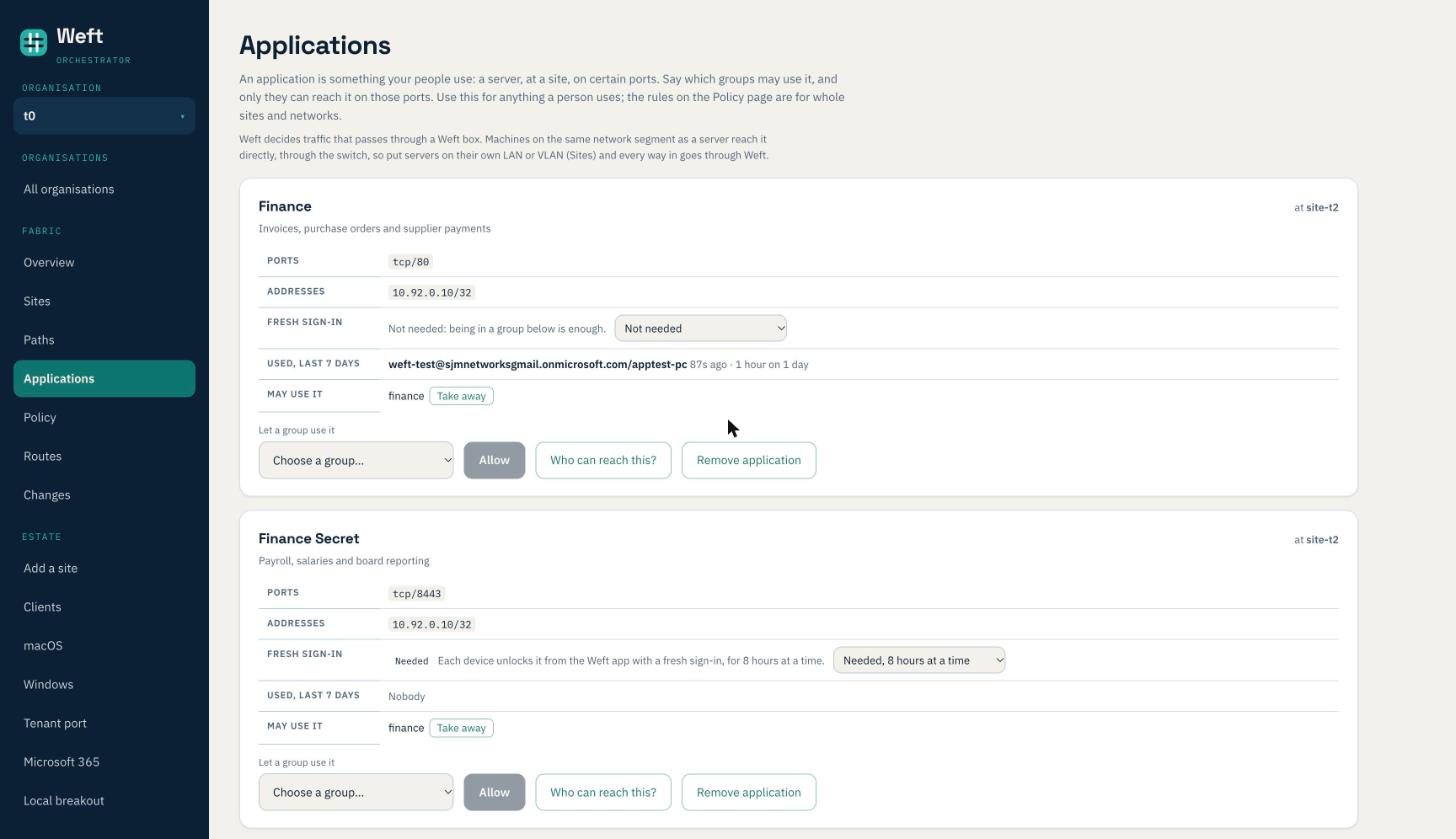
It is one setting on the application: Fresh sign-in, with how long an unlock lasts. Everything else about an application, its server, ports and groups, works as it always has.
Before unlocking
A laptop in Finance opens the finance system straight away:
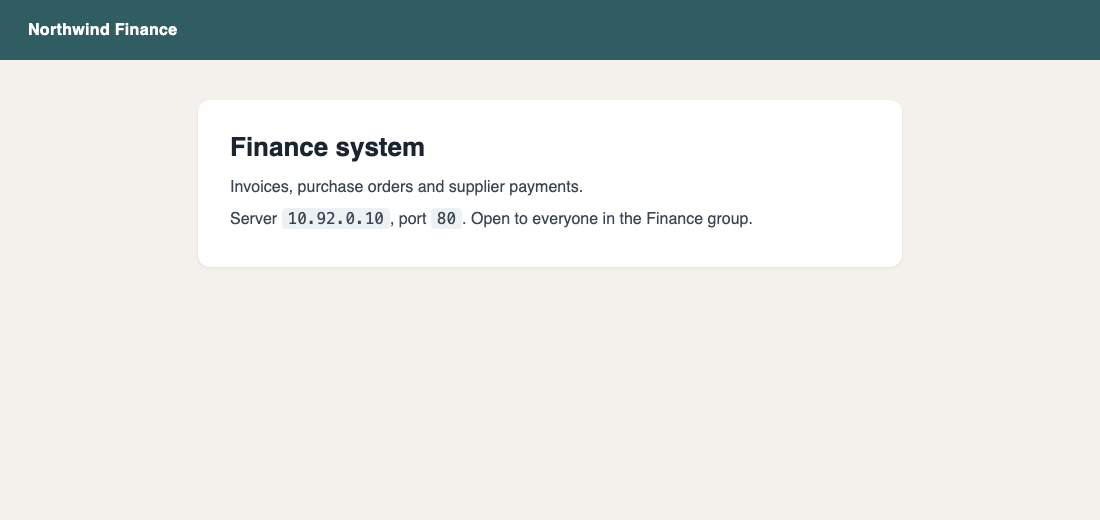
The same laptop asking for Finance Secret gets nothing: the connection is refused at the Weft box in front of the server, exactly as if the laptop were not in Finance at all.
Unlocking
The Weft app lists the applications this device may unlock. Choosing Unlock Finance Secret opens the browser at your organisation's own sign-in (Microsoft Entra, in our test), and then Weft asks for its sign-in code:
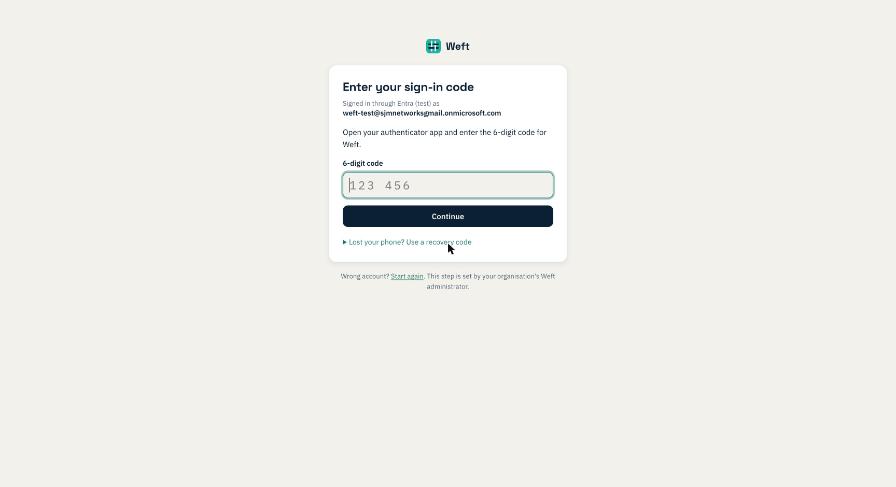
Only the person the device belongs to can unlock it. Sign in as someone else and Weft says the device isn't theirs.
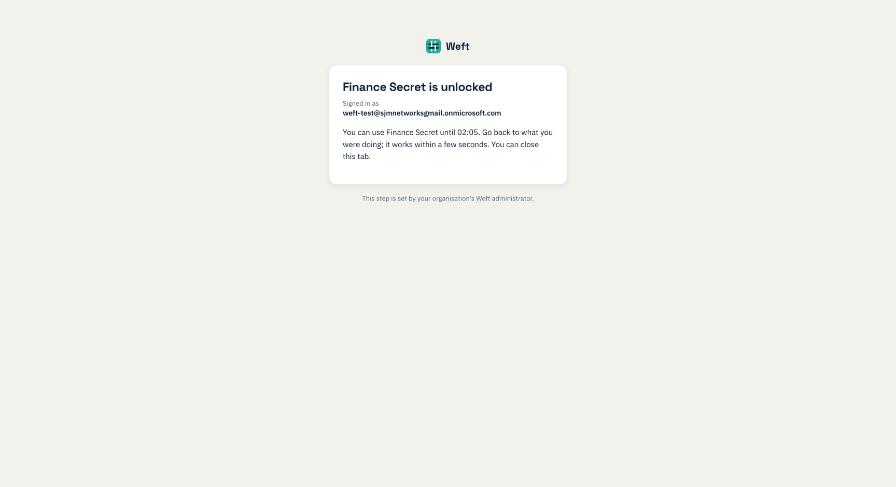
In our test the laptop reached Finance Secret about 20 seconds after the code was accepted:
How long an unlock lasts is yours to choose
Each application has its own length, from 15 minutes to 24 hours. Something truly sensitive can ask again every quarter of an hour. Something people use all day can ask once a working day, at 8 hours, so it is one sign-in in the morning rather than a dozen interruptions. Finance Secret in our test is set to 8 hours.
When the time runs out, access ends by itself; nobody has to remember to lock anything. In our test the laptop was refused 51 seconds after its unlock ran out. Switching unlocking on for an application takes effect at once for everyone using it, and so does taking a group's access away.
Who has it unlocked, and who did
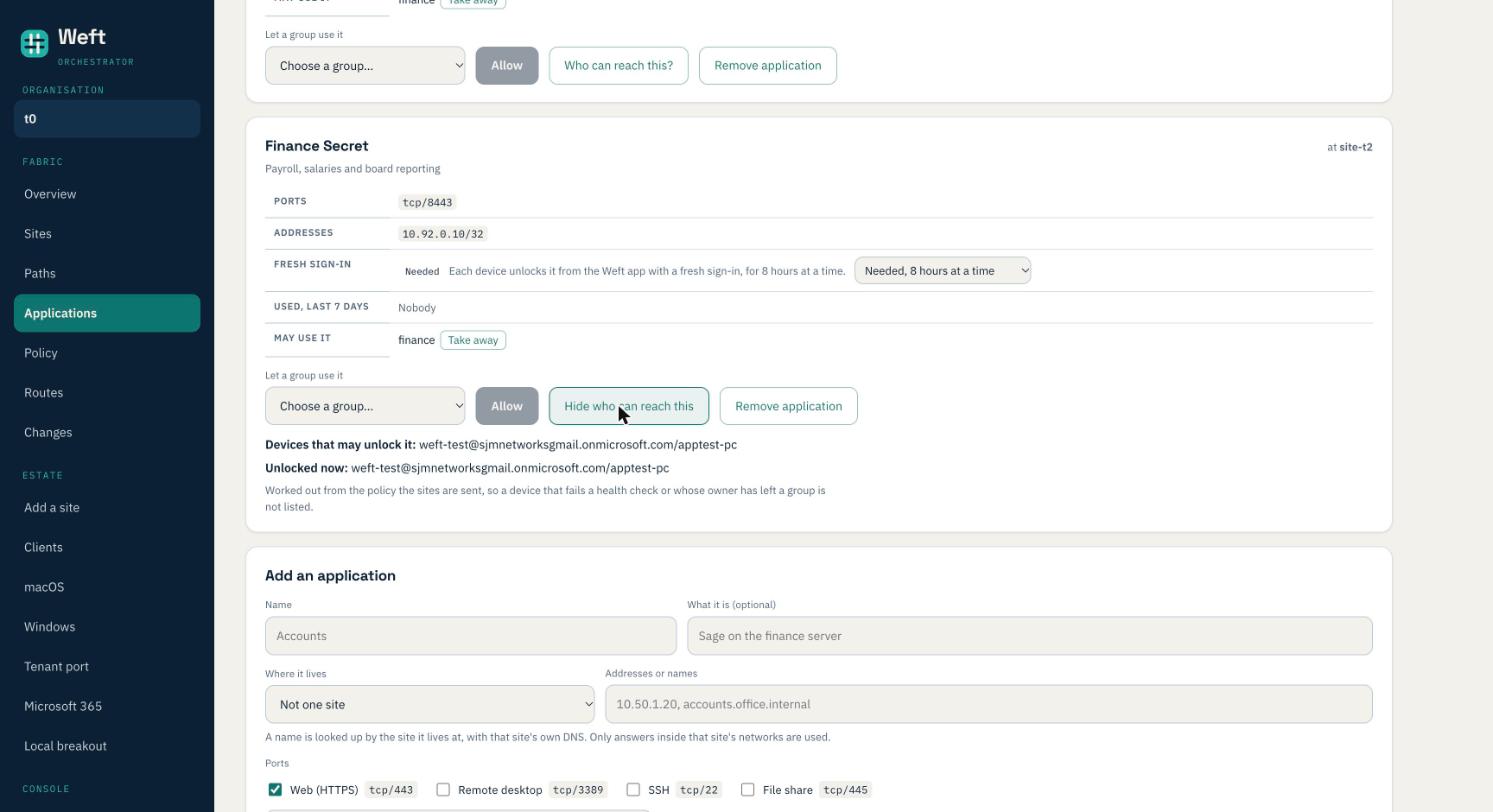
Who can reach this? on the application shows every device that may unlock it and which have it unlocked now. Every unlock is in the audit log: who, which device, which application and until when. As with every application, Weft also keeps who used it, for 90 days.
What you need
- Your organisation's own sign-in on the Settings page (Microsoft Entra or another provider), with Weft's sign-in code switched on. The unlock is that sign-in and that code, so without them there is nothing to unlock with; the console tells you so.
- The Weft app on Mac or Windows, version 1.6.9 or later. Phones will follow; until then a phone cannot reach an application that needs unlocking.
- Devices that belong to a person. Unlocking is a person signing in, so an office network or a server in the group cannot unlock, and is not let in to an application that needs it.
Weft decides traffic that passes through a Weft box. As with any application, put the server on its own LAN or VLAN so that every way in goes through Weft.
Fresh sign-in is on every application, under Fabric › Applications in the console. Questions: support@weftnetworks.com.